
The car stays. Everything else is understood.#
Most background removers cut a car out of a photo and hand you a floating object. We do something different. We read the photograph the way a photographer would: where the light is, how the ground lies, how the car sits on it. Then we rebuild the scene around the car so that the result looks like it was shot that way, not assembled.
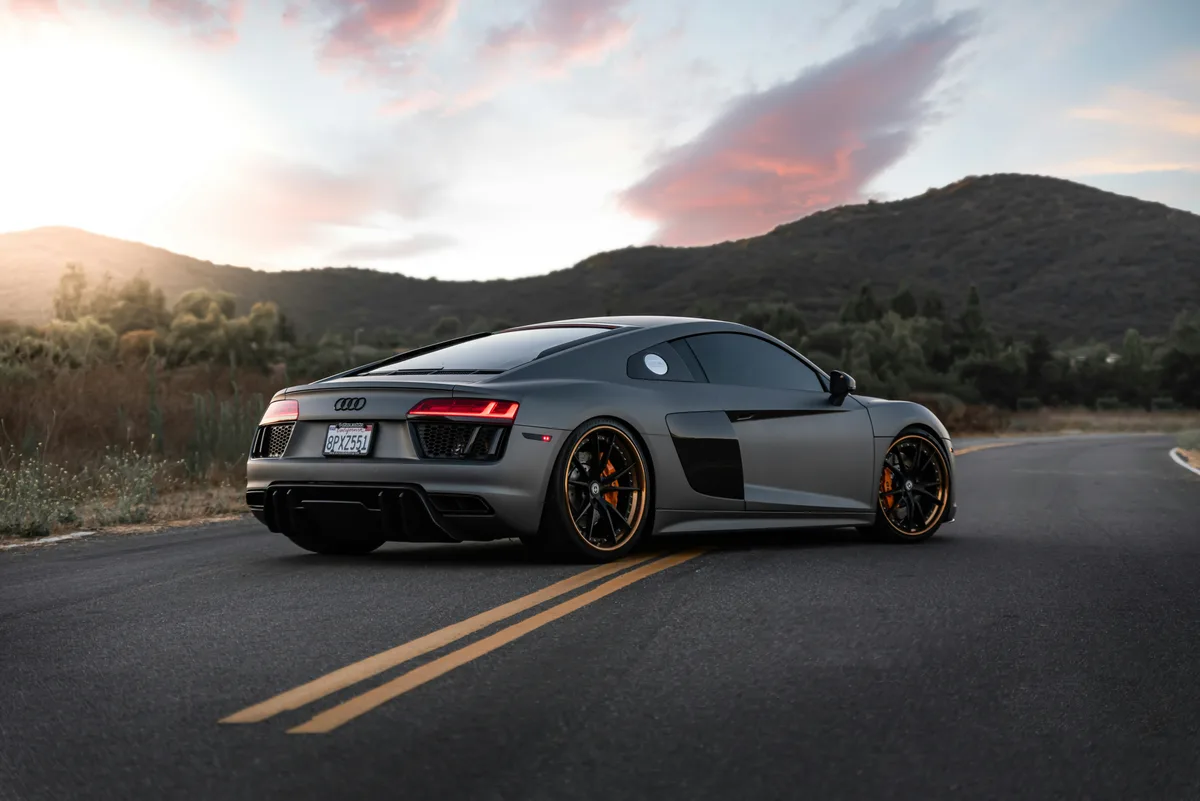
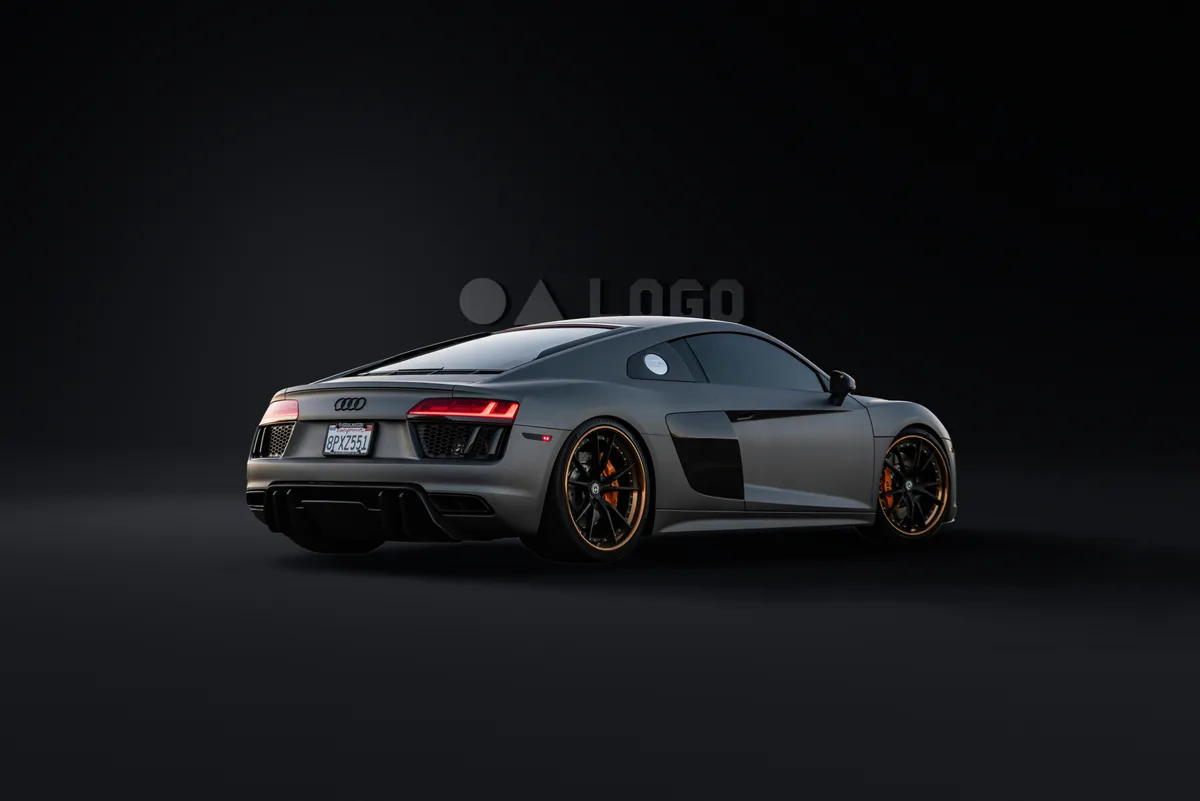
Try it on your car#
Upload a car photo and pick a studio. Change the backdrop, framing, light and output layers; the sketches and the API call underneath update as you go, and one click renders it, so what you see here is exactly what your code gets back. You get 3 free renders a day without an account, or sign up for 50 free credits.
1. The background is removed. Cleanly, down to the last edge.#
Cars are hard to cut out. Chrome trim reflects the lot it was parked in. Glass shows the building behind it. Tyres sink into shadow. A mask that is "good enough" for a product photo falls apart on a fender.
Our matting model was trained on cars specifically. It separates the vehicle from its surroundings with a soft, sub-pixel edge, so that antenna, wing mirrors, spokes and the gap between the tyre and the ground come through intact. What you get is not a silhouette. It is the car, with nothing behind it and nothing missing from it.
2. The lighting is estimated.#
Before we place anything, we work out how the original photo was lit. From the car alone, without any information about the location, the system estimates the direction the light is coming from and how hard or soft it is: a sharp midday sun, a hazy overcast sky, a low evening light raking across the bodywork.
This matters because everything that follows depends on it. A car lit from the left with a shadow falling to the right looks wrong to everyone, even to people who cannot say why.

3. The car's shape is estimated, so the shadow is cast correctly.#

A shadow is not a blurred blob under the car. It is the outline of a three-dimensional object projected onto the ground by a specific light. To draw it properly you have to know the object.
We estimate the car's geometry from the single photo: its volume, its stance, where the wheels meet the ground. That mesh is what casts the shadow. Move the light and the shadow moves the way a real one would, stretching behind the car at low sun and tucking underneath it at noon.
4. Your logo is placed, and lit by the same light.#

Branding is usually the last step and usually the giveaway. A flat logo pasted onto a rendered scene looks pasted on.
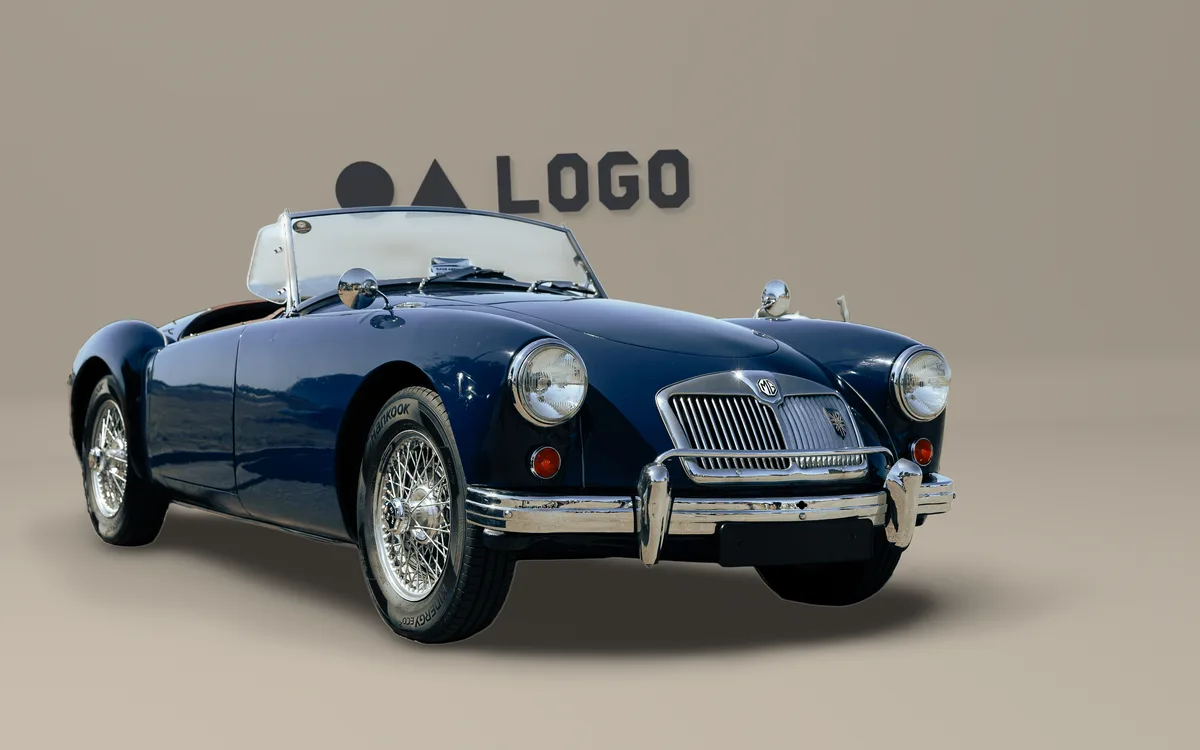
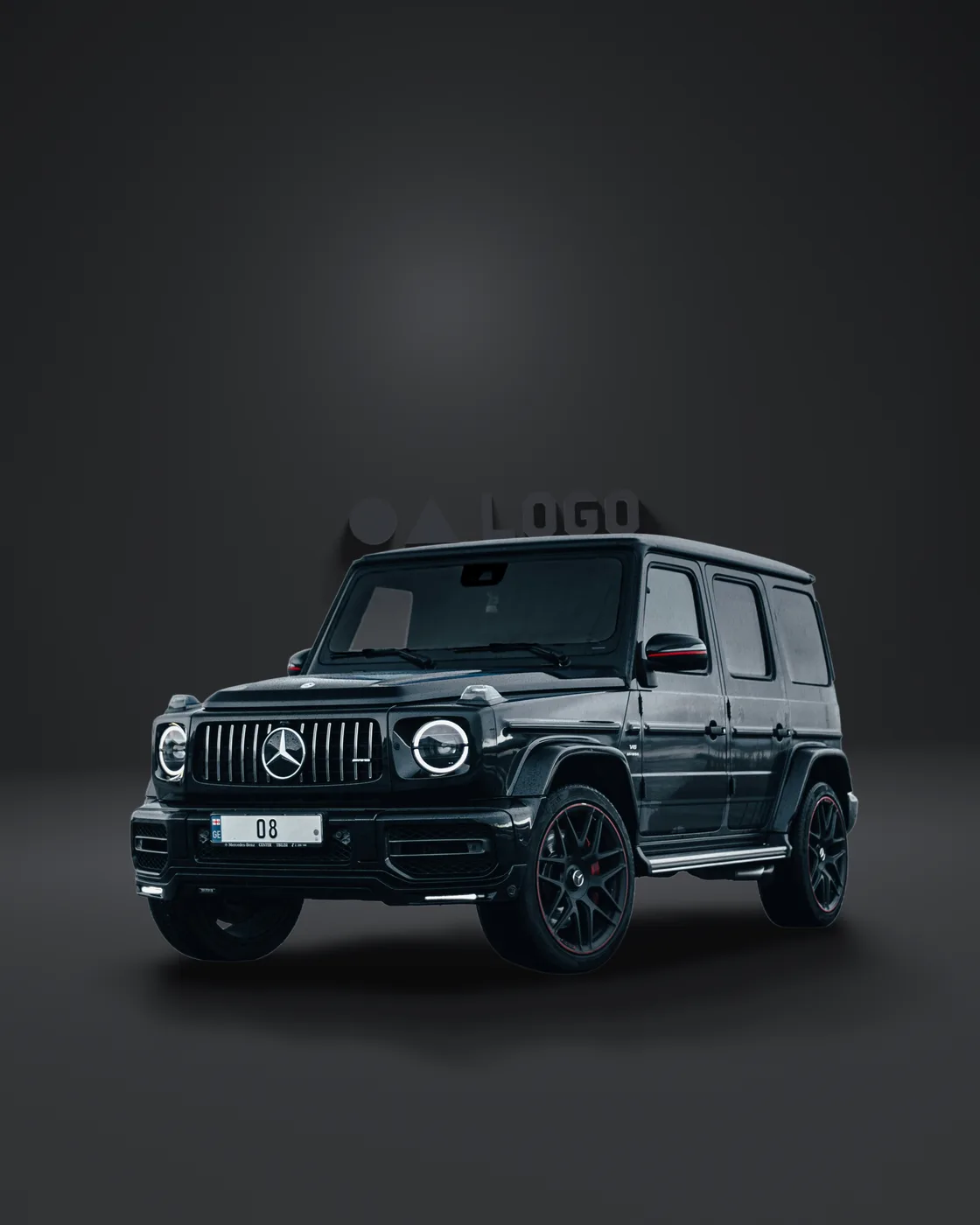
We place the logo into the scene as an object with depth. It sits on the same ground, is lit by the same estimated light, and casts its own shadow in the same direction as the car's. When the light is soft, the logo's shadow is soft. When it moves, the logo's shadow moves with it.
Why this is different#
Most tools in this space do one thing: they cut the car out. A few add a generic drop shadow. The result is a car from one photograph, a shadow from nowhere, and a backdrop from a third place, with three different ideas about where the sun is.
Our pipeline treats the photograph as a scene with physics in it. Light direction, light softness, the shape of the car, the tilt of the ground and the position of the horizon are all measured from the image and then reused at every stage. The shadow agrees with the light. The backdrop agrees with the ground. The logo agrees with both. Nothing is guessed twice.
That is why the output looks like a photograph and not like a collage. And it is why it works on the awkward shots, the ones taken at an angle on an uneven lot in flat light, where every other tool produces something that is obviously wrong.
In short#
| Typical background remover | This pipeline | |
|---|---|---|
| Cutout | Hard edge, loses thin parts | Soft, sub-pixel matte tuned for cars |
| Light | Ignored | Direction and softness estimated from the car |
| Shadow | Generic blur or none | Cast from the car's recovered geometry |
| Ground | Flat, level, always | Tilt and horizon matched to the photo |
| Logo | Pasted flat | Placed in the scene, lit and shadowed to match |
| Result | An object on a background | A photograph of a car on a new lot |
One photo in. One consistent scene out.
Example outputs#
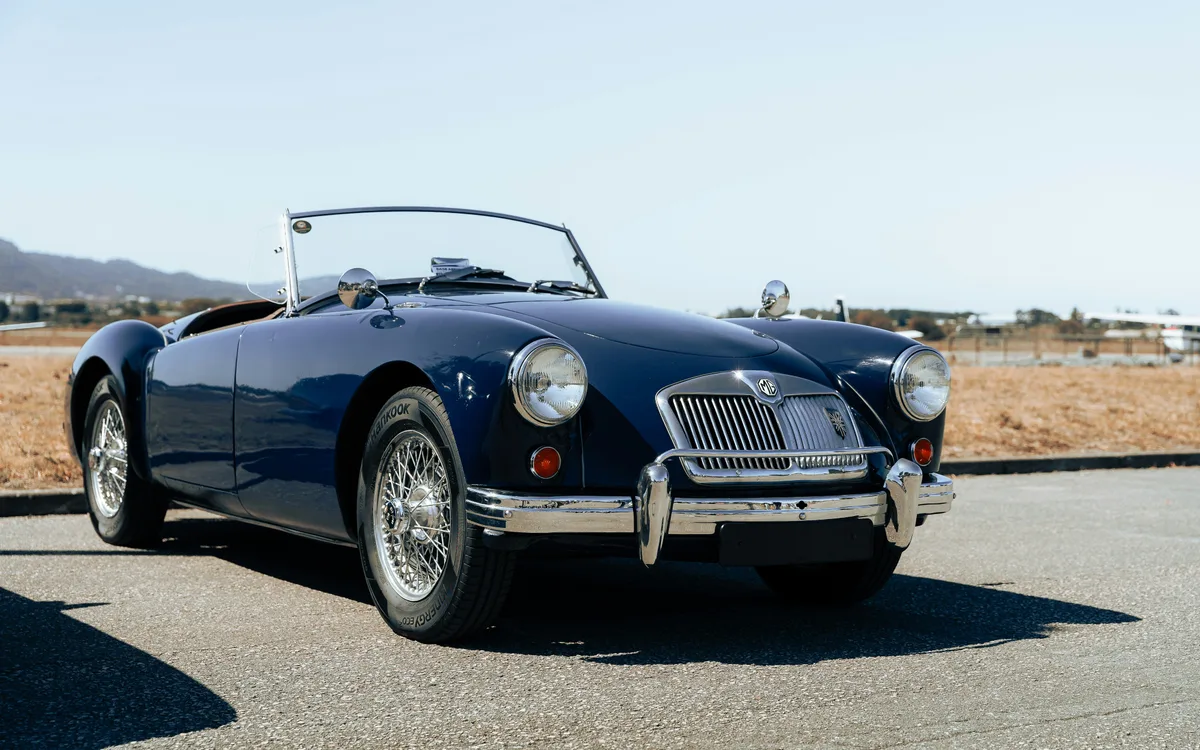
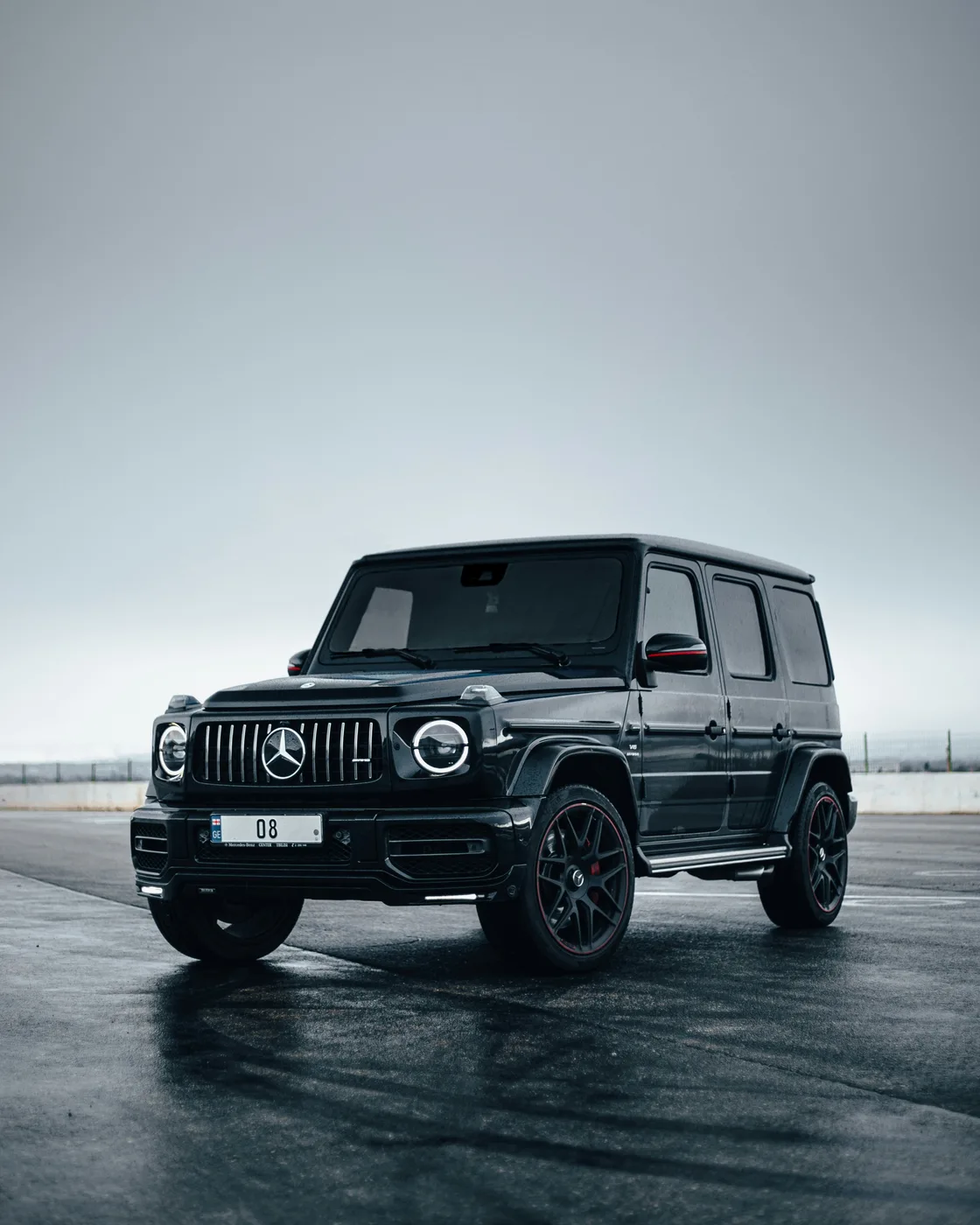
The same pipeline on more cars: cutout, light estimate, cast shadow, and logo placement. Drag each slider to compare the input photo with the finished composite.
Use it from code#
The playground runs the production pipeline. From your own code it is one request to POST /v1.0/car-layers-base64 with an API key, one credit per image, at full resolution. Pick the backdrop with background_preset, reframe with frame_aspect, tune the studio with scene_overrides, and choose which layers come back with outputs: the composite, a transparent cutout, the shadow mask, or the empty backdrop.
base64 < car.jpg | tr -d '\n' \
  | jq -Rs --argjson opts '{"background_preset":"dark-hero","frame_aspect":"16:9"}' \
      '{image_base64: .} + $opts' \
  | curl -s https://api.withoutbg.com/v1.0/car-layers-base64 \
      -H "X-API-Key: $WITHOUTBG_API_KEY" \
      -H "Content-Type: application/json" \
      -d @- > response.json

jq -r .composite_base64 response.json | base64 --decode > car-studio.jpg
Every field, default and range is in the car layers reference. For a transparent cutout only, use car background removal.
Talk to us about cars
Dealership pipelines, catalog volume, or a custom composite setup. Tell us what you need and we will get back to you.