
GIMP 3 Plugin for Background Removal
GIMP 3.0 · Local API · Alpha matte layer mask
Install command
Installs the plugin into your GIMP 3.0 plug-ins directory. Restart GIMP after.
bash -c "$(curl -fsSL https://raw.githubusercontent.com/withoutbg/withoutbg-gimp/main/install.sh)"Requirements#
| Dependency | Notes |
|---|---|
| GIMP 3.0 | GIMP 2.x is not supported |
| Local withoutBG API | Must be running before you invoke the plugin (see below) |
Start a local API#
The plugin talks to a withoutBG HTTP API on 127.0.0.1. Pick one backend:
Docker service (port 8000)#
Cross-platform. Uses the open weights v3 ONNX model from withoutbg-inference.
Server URL for the plugin: http://127.0.0.1:8000
docker run --rm -p 8000:8000 withoutbg/withoutbg-openweights-v3-service-cpu:latestFull Docker docs: /docs/open-model/docker
Mac app Local API (port 8000)#
macOS only. withoutBG for Mac is one app: a desktop batch UI plus an optional Local API in the menu bar. Use the Local API when you want GIMP (or scripts) to call withoutBG on your machine. On Apple Silicon, inference uses Core ML.
- Install withoutBG for Mac (download from GitHub Releases).
- Start the Local API from the empty-state Start Local API button, or from the menu bar icon. Default URL:
http://127.0.0.1:8000 - Confirm the menu bar shows Local API Running before using the plugin.
Docker service-* and the Mac app Local API both use port 8000 by default, so the plugin works with either backend without changing settings. Run one backend at a time on that port.
The plugin dialog accepts any server URL if you change the port. More detail: /mac · Local API docs.
Verify the API#
Health check
curl http://127.0.0.1:8000/healthExpected response:
Health response
{
  "status": "ok",
  "model": "withoutbg-openweights-oss",
  "version": "4.1.0"
}
Wait until /ready returns {"status":"ready"} on first startup (model warmup).
Install the plugin#
One-liner install from GitHub
bash -c "$(curl -fsSL https://raw.githubusercontent.com/withoutbg/withoutbg-gimp/main/install.sh)"Or clone and run locally:
Clone and install
git clone https://github.com/withoutbg/withoutbg-gimp.git
cd withoutbg-gimp
./install.sh
Restart GIMP. The plugin appears under:
Menu path
Tools ▸ WithoutBG ▸ Remove Background…Manual install paths#
| Platform | Plug-ins directory |
|---|---|
| macOS | ~/Library/Application Support/GIMP/3.0/plug-ins/ |
| Linux | ~/.config/GIMP/3.0/plug-ins/ |
Layout after install:
Install layout
plug-ins/withoutbg/withoutbg.pyUsage#
- Open an image in GIMP and select the layer to process.
- Go to Tools ▸ WithoutBG ▸ Remove Background…
- Check the dialog. It shows server status (model name and version from
/health). - Confirm Server URL is
http://127.0.0.1:8000(default for both Docker and the Mac app Local API). - Click Remove Background.
The plugin:
- Exports the active layer as PNG (longest side capped at 1024 px before upload).
- POSTs to
/v1/remove-background?output=mattewithContent-Type: image/png. - Upscales the returned matte to full layer resolution.
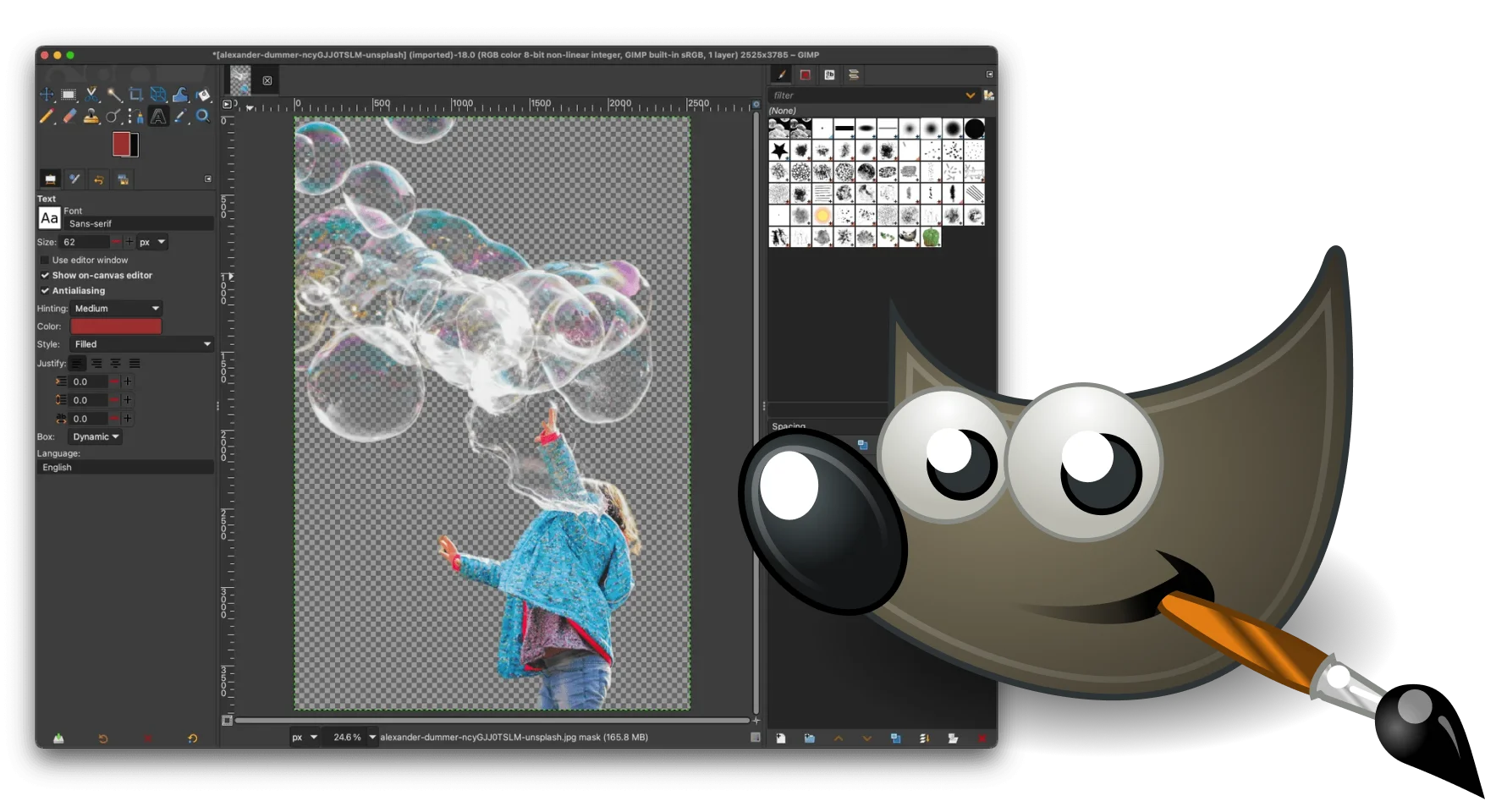
- Adds it as an unapplied layer mask on the active layer.
To commit the mask: Layer ▸ Mask ▸ Apply Layer Mask.
Server URL#
Default in the plugin: http://127.0.0.1:8000 (same for Docker service-* and the Mac app Local API).
| Backend | Typical URL |
|---|---|
Docker service-* | http://127.0.0.1:8000 |
| Mac app Local API | http://127.0.0.1:8000 |
| Custom port | http://127.0.0.1:port, must match Local API settings |
You can override the URL per session in the plugin dialog; GIMP remembers the last value.
To change the baked-in default, edit SERVER_URL at the top of withoutbg/withoutbg.py.
API the plugin uses#
Both backends expose the same endpoints:
| Endpoint | Purpose |
|---|---|
GET /health | Server status (shown in the dialog) |
POST /v1/remove-background?output=matte | Raw PNG in, grayscale matte PNG out |
The plugin reads the X-Latency-Ms response header but does not display it.
Troubleshooting#
| Symptom | Fix |
|---|---|
| Server not reachable | Start the Docker service or the Mac app Local API. Confirm curl http://127.0.0.1:8000/health (or your port). |
| Server shows ready but inference fails | Model still warming up. Wait for /ready to return 200, then retry. |
| Wrong port | Update Server URL in the dialog to match your backend (default 8000). Only one backend should listen on that port at a time. |
| Plugin missing after install | Restart GIMP. Confirm withoutbg/withoutbg.py is under the plug-ins directory above. |
| Layer mask looks soft | Expected at mask edges after upscale from 1024 px matte; paint on the mask to refine. |
Uninstall#
Uninstall commands
rm -rf ~/Library/Application\ Support/GIMP/3.0/plug-ins/withoutbg   # macOS
rm -rf ~/.config/GIMP/3.0/plug-ins/withoutbg                        # Linux
Restart GIMP.
Common questions#
- Does the GIMP plugin upload my images to the cloud?
- No. The plugin only talks to a withoutBG HTTP API on 127.0.0.1 (Docker service or Mac app Local API). Processing stays on your machine.
- Does it work with GIMP 2.x?
- No. The plugin requires GIMP 3.0. GIMP 2.x is not supported.
- Do I need Docker, or can I use the Mac app?
- Either works. Run the Docker withoutbg service on port
8000, or start the Local API from withoutBG for Mac. Default Server URL ishttp://127.0.0.1:8000for both. - What does the plugin add to my layer?
- An unapplied layer mask built from the grayscale alpha matte. To commit the cutout, use Layer ▸ Mask ▸ Apply Layer Mask in GIMP.
- Is Windows supported?
- The plugin itself targets GIMP 3 on macOS and Linux. On Windows, use the Docker service as the local API backend with GIMP 3 if you run GIMP there.
- Why does the layer mask look soft at the edges?
- The active layer is capped at 1024 px on the longest side before inference, then the matte is upscaled. Soft edges at the mask boundary are expected; paint on the mask to refine.
Related#
| Resource | Link |
|---|---|
| Docker self-hosting | /docs/open-model/docker |
| withoutBG for Mac | /mac |
| Local API docs | /docs/open-model/local-api |
| Open Model | /open-model |
| Plugin source | github.com/withoutbg/withoutbg-gimp |
| Inference service source | github.com/withoutbg/withoutbg-inference |